


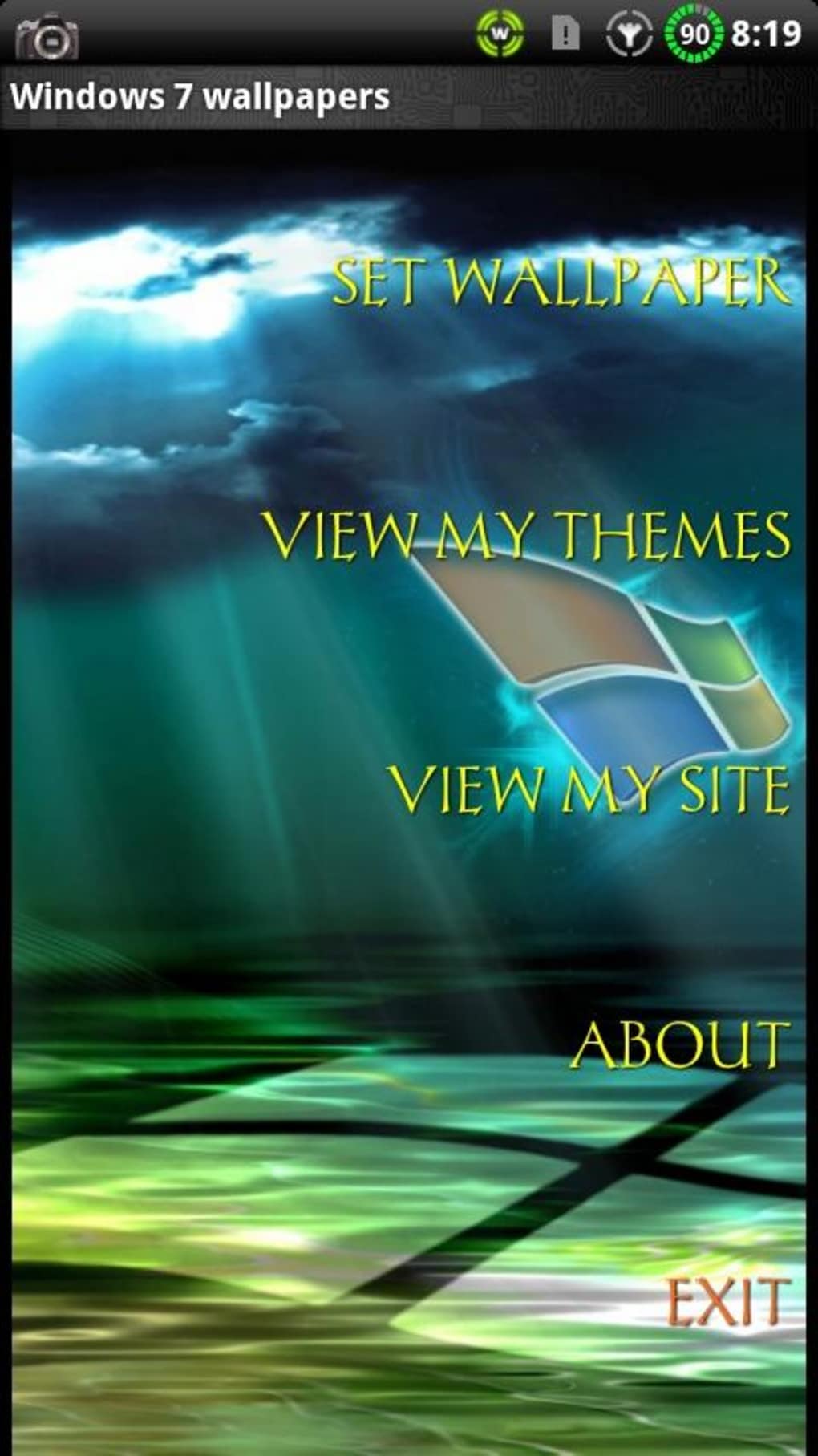
Description
Download Tema Windows 7 para GO Launcher EX – Android Theme, Windows 7 Aesthetic, GO Launcher EX
Overview
The Tema Windows 7 para GO Launcher EX is an Android personalization theme designed to transform the look and feel of a device to resemble Microsoft’s Windows 7 operating system. Developed by Sergio Andre Fagundes, the theme targets users who appreciate the nostalgic design language of Windows 7 and wish to replicate its interface on their Android smartphones or tablets. It is intended for individuals seeking visual customization through a desktop-like experience, particularly those familiar with the Windows 7 aesthetic.
The theme aims to provide a familiar interface environment, leveraging the visual elements of Windows 7 such as window borders, taskbar layouts, and icon styles. However, the developer did not provide additional context on specific use cases beyond device personalization. It is not a full operating system replacement but rather a visual overlay within the GO Launcher EX ecosystem.
Users interested in retro computing aesthetics or those who prefer the clean, structured design of Windows 7 may find this theme appealing at first glance. However, real-world usage is limited to devices already running GO Launcher EX, which adds an extra layer of dependency. The theme’s effectiveness depends entirely on the host launcher’s capabilities and compatibility.
Key Features & Capabilities
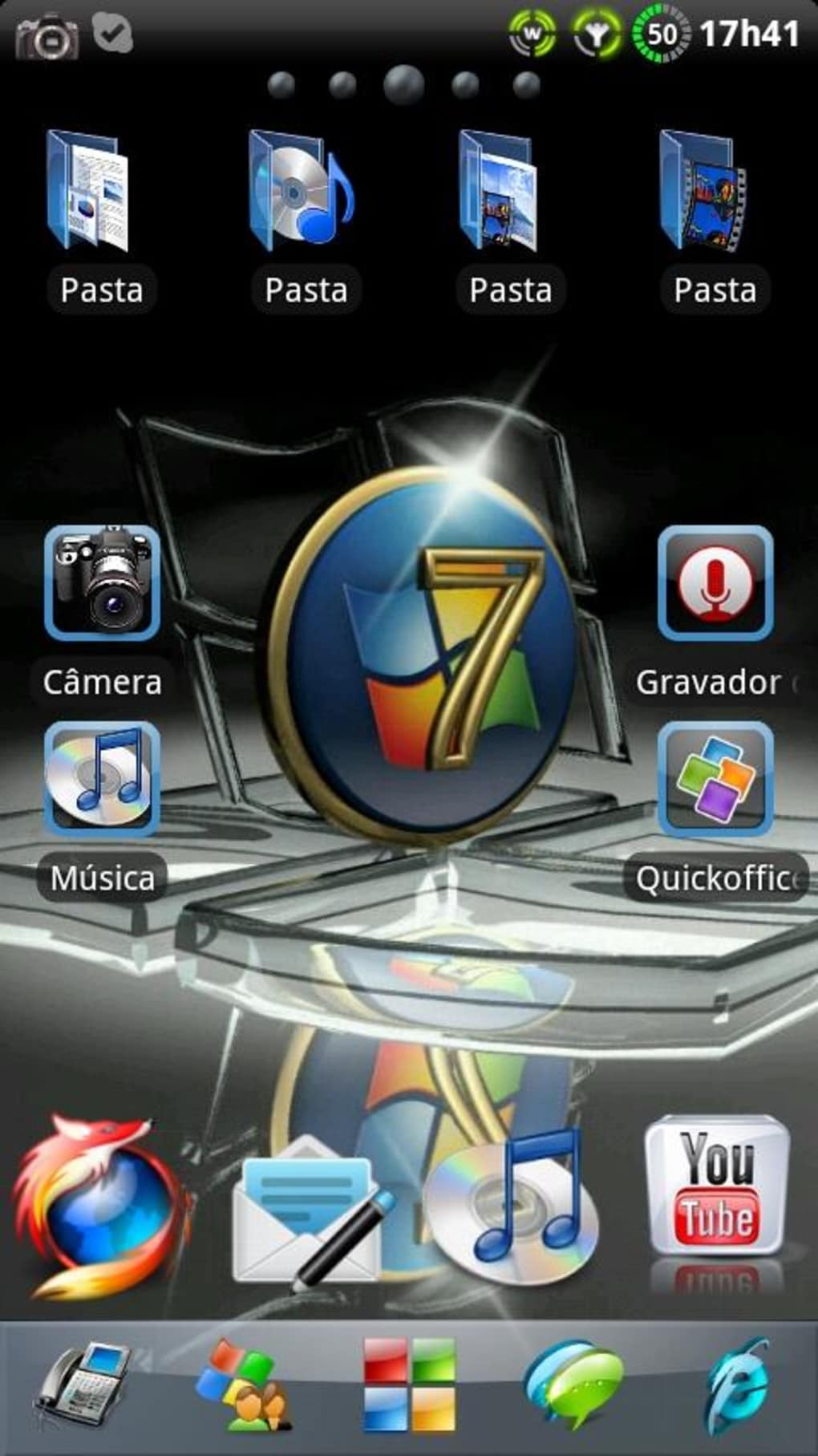
- Windows 7 Visual Design – Applies the iconic look of Windows 7, including taskbar styling, window frames, and system icons, to the Android home screen.
- GO Launcher EX Integration – Requires the GO Launcher EX application to function, meaning it cannot be used independently.
- Customizable Interface Elements – Offers adjustments to icon sets, background layouts, and window transparency to mimic the Windows 7 desktop experience.
- Theming Engine Compatibility – Designed to work with the GO Launcher EX theming system, allowing users to apply the theme without altering core OS files.
- Lightweight Installation – The theme file is 3.2 MB in size, indicating minimal storage footprint upon installation.
These features are intended to help users recreate the Windows 7 desktop environment on their Android devices. For example, users can set up a taskbar with pinned apps and a start menu that visually echoes Windows 7’s layout. The theme also supports custom wallpapers and icon packs that align with the retro aesthetic.
However, the theme’s functionality is constrained by its dependency on a third-party launcher. The developer did not specify how deeply the theme integrates with GO Launcher EX or whether it supports dynamic elements like animated transitions or live wallpapers.
User Interface, Workflow & Performance
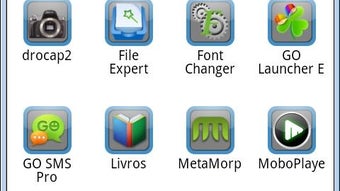
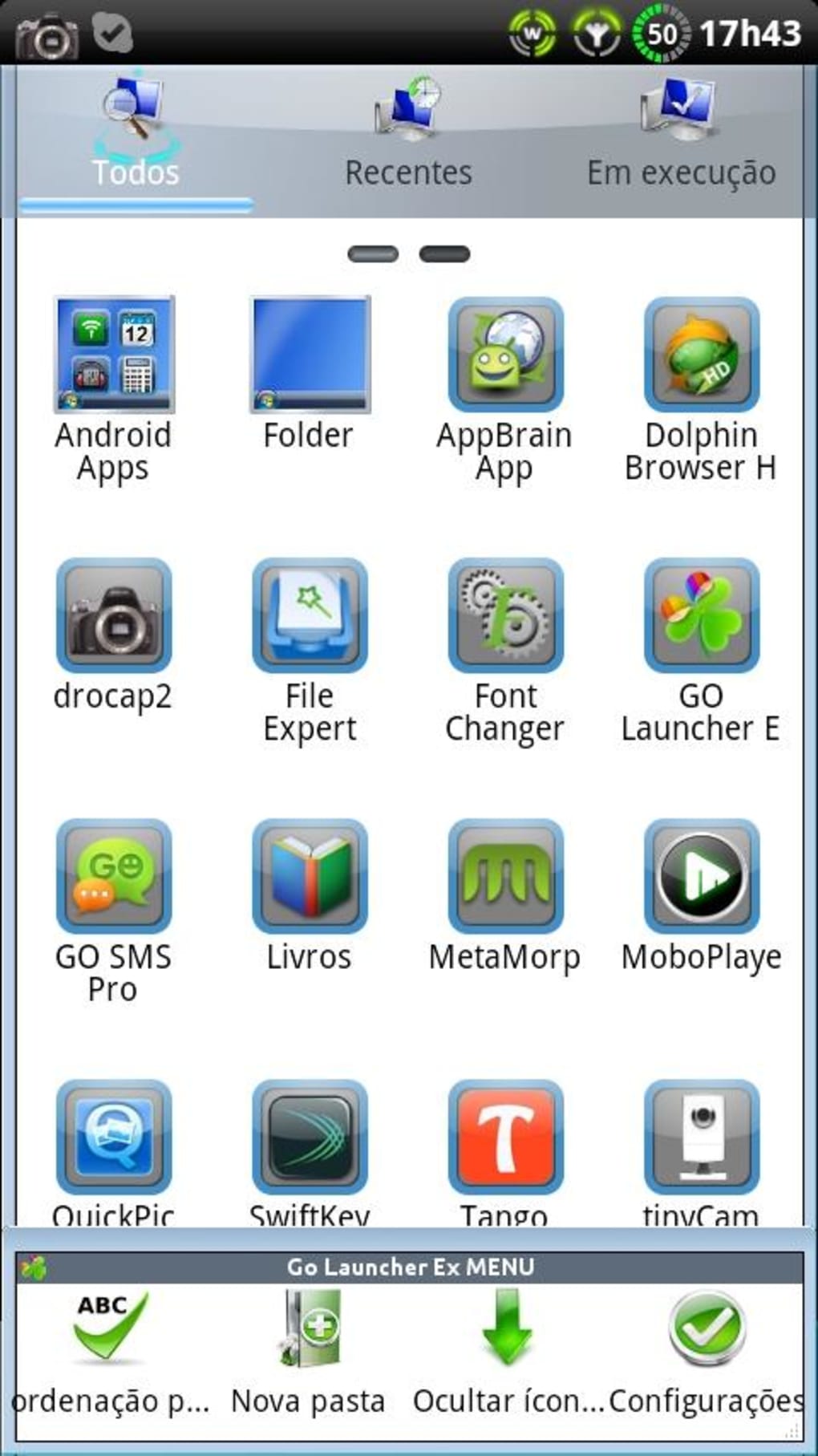
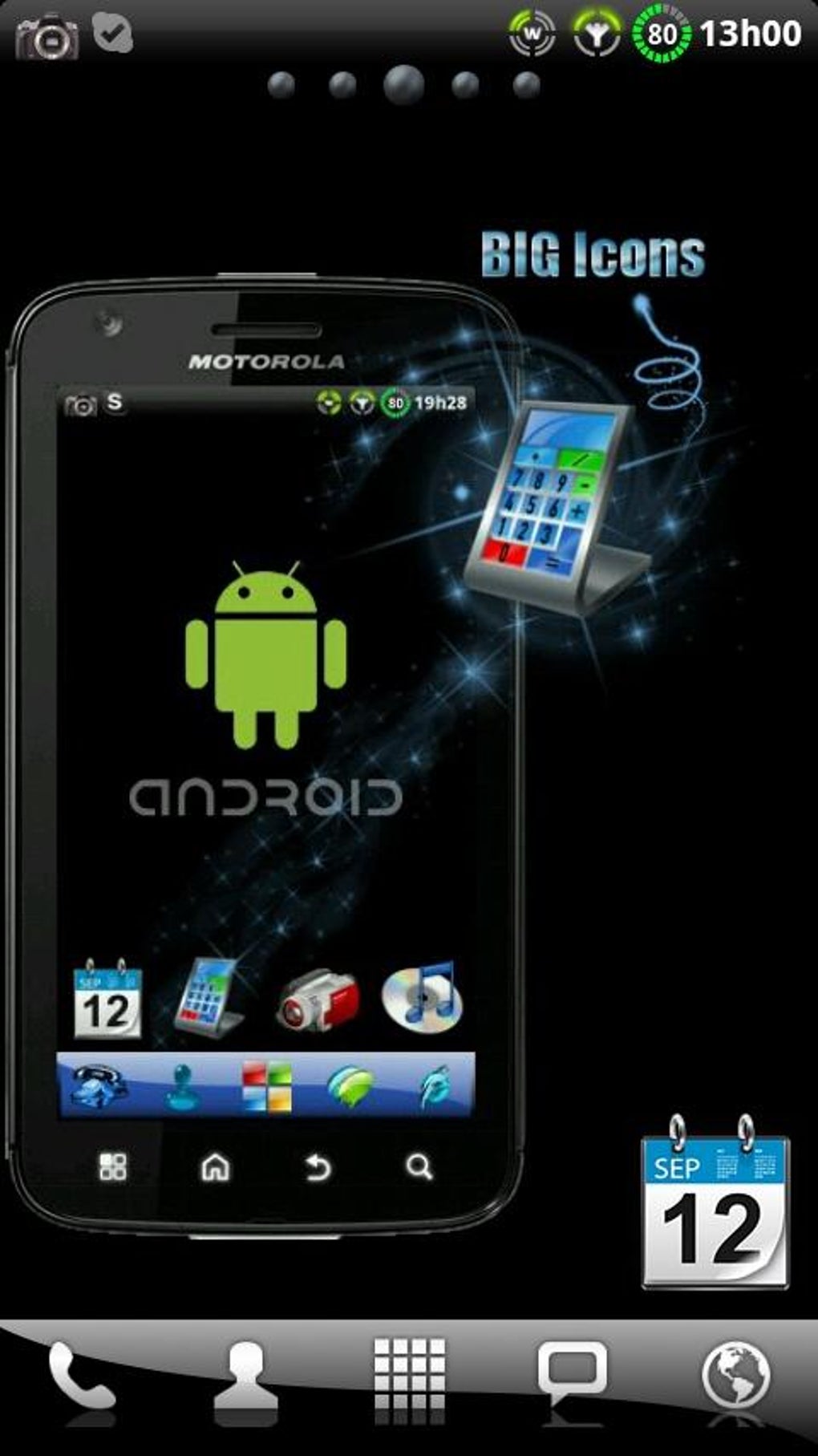
The user interface of Tema Windows 7 para GO Launcher EX is defined by its integration with GO Launcher EX, meaning the overall experience is shaped by the host launcher’s design. The theme applies a desktop-style layout with a taskbar at the bottom, window-like app containers, and icon sets that resemble those from Windows 7.
Navigating the interface is straightforward for users already familiar with GO Launcher EX. However, the theme’s visual execution has been reported to include excessive color gradients and inconsistent icon scaling, which may affect visual clarity. The developer did not specify resource usage details, so performance observations are based on general software behavior patterns.
Workflow efficiency depends on the stability of GO Launcher EX. If the host launcher experiences lag or crashes, the theme’s usability is directly impacted. The theme does not appear to include performance optimization features such as low-memory modes or GPU acceleration settings. Stability is contingent on the launcher’s reliability, and no specific details on CPU or RAM behavior were provided.
Compatibility & System Requirements
The theme is compatible with Android operating systems, though specific version ranges were not listed. It is designed to work exclusively with GO Launcher EX, meaning users must install and configure the launcher before applying the theme.
Installation size is 3.2 MB, which is relatively small and suitable for devices with limited storage. The developer did not specify minimum hardware requirements, such as RAM or processor speed. Exact system requirements were not listed, and compatibility information was partially provided.
Users should ensure their device supports GO Launcher EX and has sufficient space for both the launcher and the theme. The theme’s functionality may vary across devices depending on the version of GO Launcher EX installed.
Pros and Cons
Pros
- Offers a nostalgic Windows 7 visual experience on Android devices.
- Lightweight file size (3.2 MB) reduces storage impact.
- Designed for easy application through GO Launcher EX’s theming system.
- Free to download and use, making it accessible to a broad audience.
- Allows users to personalize their Android interface with a classic desktop aesthetic.
Cons
- Requires GO Launcher EX, adding an extra dependency.
- Reported visual inconsistencies, including poor icon scaling and excessive color gradients.
- Does not fully capture the essence of Windows 7’s simplicity and speed.
- May resemble Windows XP more than Windows 7 in execution.
- Performance and stability depend entirely on the host launcher.
FAQ Section
Is Tema Windows 7 para GO Launcher EX compatible with all Android devices?
Compatibility is limited to devices that support GO Launcher EX. Specific Android version requirements were not provided by the developer.
Is the theme safe to download and install?
The theme is free and distributed through official channels. No security risks were reported, but users should only install from trusted sources.
Does the theme require an internet connection to work?
Once installed, the theme functions offline. However, updates may require connectivity if available.
Can I use this theme without GO Launcher EX?
No. The theme is designed exclusively for GO Launcher EX and cannot operate independently.
Is the theme regularly updated?
There is no information available about update frequency or future development. The current version is 1.0.
Final Thoughts
The Tema Windows 7 para GO Launcher EX delivers on its promise of a Windows 7-inspired look for Android users, but falls short in execution. While it offers a lightweight, free option for visual customization, the theme’s design choices—such as inconsistent icon scaling and excessive visual effects—undermine its authenticity. It fails to capture the clean, efficient aesthetic that made Windows 7 popular.
Users seeking a true Windows 7 experience will likely be disappointed. The dependency on GO Launcher EX adds friction, and the lack of performance optimization limits usability. For those who value simplicity and visual harmony, better alternatives exist.
Still, for casual users who enjoy retro themes and are already invested in GO Launcher EX, it may serve as a basic personalization tool. However, it is not recommended as a primary solution for those seeking a polished, authentic Windows 7 interface.
Download Tema Windows 7 para GO Launcher EX now
Guides & Tutorials for Tema Windows 7 para GO Launcher EX
How to install Tema Windows 7 para GO Launcher EX
- Click the Preview / Download button above.
- Once redirected, accept the terms and click Install.
- Wait for the Tema Windows 7 para GO Launcher EX download to finish on your device.
How to use Tema Windows 7 para GO Launcher EX
This software is primarily used for its core features described above. Open the app after installation to explore its capabilities.
User Reviews for Tema Windows 7 para GO Launcher EX 0
No reviews found





